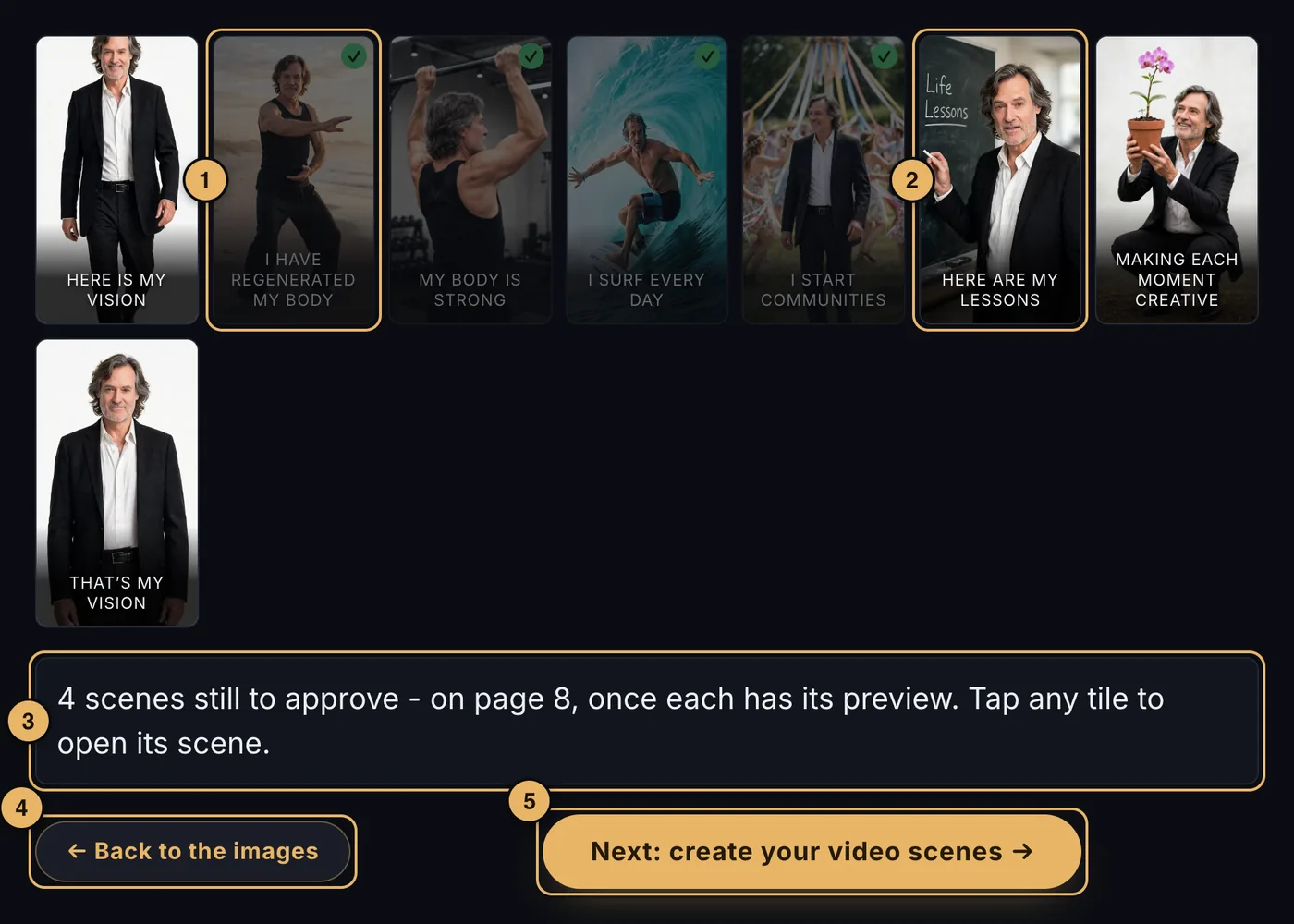
- An approved scene. It has a tick and is faded back.
- A scene still to approve. At full brightness. Tap any tile to open that scene in the scene editor, with every control.
- The note. Tells you what is still to do: a scene without a picture, three pictures with no pick, or scenes still to approve.
- Back to the images. Returns to page 6.
- Next: create your video scenes. On to page 8.
A tile marked needs a picture or pick one is waiting for you on page 6.
When you open a scene from here, a ← Back to storyboard button appears in the scene editor to bring you back.
Building the movie
The movie is built from page 8, once every scene has its preview and is approved. See Create your video scenes.
If something goes wrong here
See Waiting.